
What Is Bounce Rate? What It Means in GA4 and How to Lower It
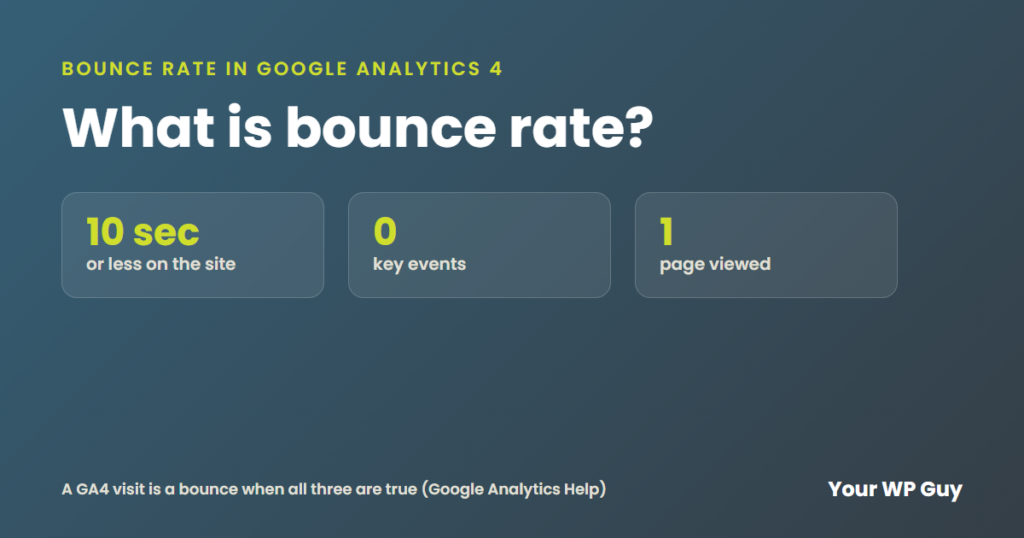
Bounce rate is the share of visits where someone lands on your site and leaves without really engaging. In Google Analytics 4, a visit counts as a bounce when it lasts 10 seconds or less, views only one page and triggers no key event, like a form or a sale. A high bounce rate usually means the page was slow, unclear or not what the visitor expected. If your pages need a fix, see our website redesign services.
Do you ever look at your analytics and wonder why so many people leave so fast? You are not alone, and most of the reasons are easy to spot once you know where to look.
We build and fix WordPress sites for small businesses, and we check engagement on every page we work on. Here is what bounce rate means now, how to find it, what counts as good and what makes people leave.
What is bounce rate in Google Analytics 4?
Google changed the meaning of bounce rate when it moved to Google Analytics 4. The old version counted any visit that saw only one page as a bounce, even if the person read it for five minutes. Now it is based on engaged sessions.
Google says a visit is an engaged session if it does any one of these:
- Lasts longer than 10 seconds
- Has a key event, like a form sent, a call clicked or a sale
- Has 2 or more page views
Engagement rate is the share of visits that were engaged. Bounce rate is the opposite: the share of visits that were not. So if your engagement rate is 65%, your bounce rate is 35%.
Bounce rate = Sessions that were not engaged / All sessions
Example: 350 / 1,000 = 35%
How do you find bounce rate in GA4?
Most GA4 reports do not show bounce rate until you add it. Here is how, using Google's own steps:
- Sign in to Google Analytics and click Reports on the left.
- Open a detail report, like Pages and screens.
- Click Customize report (the pencil in the upper right). You need Editor or Administrator access.
- Click Metrics, then Add metric.
- Add Engagement rate and Bounce rate, then click Apply and save.
The two new columns show up at the far right of the table, so you may need to scroll to see them.
For a closer look, Microsoft Clarity is a free tool that shows recordings and heatmaps of real visits. You can watch where people stop scrolling or click on things that are not links.
What is a good bounce rate?
There is no single good number, and Google does not publish one. It depends on the page and where the visitor came from:
| Page type | What to expect | Why |
|---|---|---|
| Blog post or answer page | Higher | People get the answer and leave happy |
| Landing page from ads | Higher | Cold visitors, one page by design |
| Service or product page | Lower | Visitors are comparing and should click deeper |
| Homepage | Lower | It should send people somewhere |
You'll often read that 40% or lower is good and anything over 55% is high. Those numbers come from tool makers' own studies, and many were set when a bounce meant any one-page visit. GA4 counts a short visit with no action, so the same page can show a very different number. Treat 40% as a rough guide, not a target.
The best benchmark is your own site. Compare each page to how it did last month, and compare similar pages to each other. A rate near 0% or 100% usually means your tracking is broken, not that the page is perfect or terrible.
What is the difference between bounce rate and exit rate?
Bounce rate looks at the whole visit. Exit rate looks at the last page someone saw before they left. Here is how one page can get an exit but not a bounce:
- Visit 1: Someone lands on your homepage, clicks to your services page, then reads a blog post and leaves. That is an exit on the blog post. It is not a bounce, because they saw 3 pages.
- Visit 2: Someone lands on that same blog post from Google, reads for 5 seconds and leaves. That is an exit and a bounce.
A high exit rate is normal on a thank-you page or a contact page, because that is where a visit should end. A high exit rate on a pricing page or a checkout page is worth a closer look.
What causes a high bounce rate?
- Slow pages. If the main content takes too long to show, people leave before they see it. Google's pass mark is 2.5 seconds, and we explain how we test it in what makes a good web page.
- The page is not what they expected. An ad or search result promised one thing, and the page says another.
- No clear next step. If the button is hidden or vague, people do not know what to do. See what is a call to action.
- Broken on a phone. Tiny text, sideways scrolling or buttons too small to tap.
- Pop-ups that cover the page as soon as it opens.
- Cluttered design. Too many images, ads and boxes fighting for attention, so nothing stands out.
- Poor photos. Blurry or stock images make a business look less trustworthy.
- Pages that do not match. When the look and menu change from page to page, people feel lost.
How do you lower your bounce rate?
- Find the worst pages first. In GA4, sort Pages and screens by bounce rate, but only look at pages with real traffic.
- Test speed on a phone with PageSpeed Insights or GTmetrix, and fix the slowest pages.
- Match the page to the promise. Make the headline repeat what the ad or search result said.
- Put one clear button near the top, with words that say what happens next.
- Clean up the layout. Remove anything that does not help the visitor decide.
- Add links to the next page a visitor would want, like pricing or a related service.
- Check your tracking. Make sure forms and calls count as key events, so real leads are not counted as bounces.
Does bounce rate affect SEO?
Google does not list bounce rate as a ranking factor. Bing's guidelines do not either. But the things that cause bounces, like slow pages and pages that miss the question, are the same things that make a page less helpful. Fix those, and you help both your visitors and your rankings.
Want pages people stay on?
You did not start your business to read analytics reports. Our redesigns start at $1,999, and most business sites come in around $5,000. Need one page for your ads? A landing page is $1,499.
1. Talk to us about your site and goals. 2. We find the pages people leave and why. 3. You get pages that keep visitors and bring in calls.
Sources
- Google Analytics Help, [GA4] Engagement rate and bounce rate (checked November 2026)
- web.dev, Web Vitals (checked November 2026)
- Microsoft Clarity (checked November 2026)
What to do next
Add bounce rate to your Pages and screens report today, then pick the busiest page with the highest rate. Fix one thing on it, so your website can do its job as your hardest-working employee.
Keep reading: What makes a good web page? | What is a call to action? | What is SEO?