
Can I use my own images in my design?
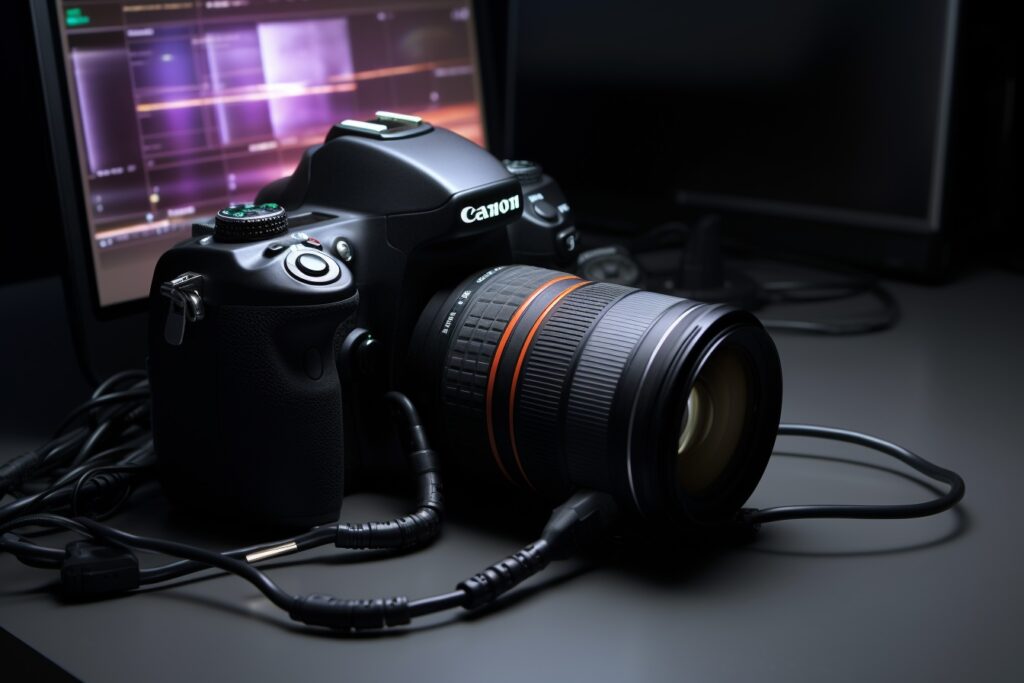
You know that suspicious feeling you get when every photo on a website looks suspiciously like every other website on the internet?
Same beaming "team" of models with perfect teeth. Same handshake. Same generic office-with-plants. Same fake whiteboard meeting where nobody is actually doing anything.
Visitors notice. And what they notice is: "this could be any business. So why this one?"
Tired of your website looking like every competitor's? Wondering if you can ditch the stock photos and use your own images instead? Worried that DIY photos will somehow make the site look amateurish?
Good news on all fronts. You can absolutely use your own images. In fact, you probably should. Here is how to do it without making your site look like a Facebook album.
You've got a business to grow. We can handle this website stuff.
TLDR; Yes, you can (and probably should) use your own images on your website. Real photos make your brand feel authentic, distinct, and trustworthy in ways stock photos never can. The trick is making sure they are high-resolution, properly optimized, consistent in style, and used with the right legal permissions. Here are 8 things to check before you upload anything.
Why Your Own Photos Beat Stock (Almost Every Time)
Stock photos are not bad. They are just generic.
Your own photos tell visitors something stock can't: that you are a real business, with real people, doing real work. That authenticity translates directly into trust. And trust is what turns visitors into customers.
The catch is that "your own photos" only work if they actually look good. A blurry phone snap of your office isn't going to do you any favors. Here is the playbook.
8 Things to Get Right When Using Your Own Images
Image Quality
This is the deal-breaker, so we are putting it first.
Your photos need to be high-resolution and crisp. Blurry, pixelated, or grainy images will undermine everything else on your site, no matter how clean the design or how strong the copy. If you wouldn't be proud to show the photo to a client in person, don't put it on your website.
If your phone is recent, the camera is probably more than capable. Just make sure the lighting is good and you are holding it steady.
Relevance to the Content
Every image should earn its spot.
Photos should reinforce the message of the page they are on, not just fill empty space. A picture of a beach on your accounting firm's homepage is confusing. A picture of your team at work is exactly right.
If you can't explain why a specific image is on a specific page, replace it.
Consistency in Style
This is where most DIY sites slip up.
Your images should feel like they belong together. Similar lighting. Similar color tones. Similar mood. When the visual style drifts from photo to photo, the whole site starts to feel chaotic, even when each individual image is fine.
A simple trick: pick a single editing filter or look, and apply it across every image you use. Instant cohesion.
Web Optimization
This one is invisible to visitors, but it matters more than they realize.
Original photos are huge. Like, several megabytes huge. If you upload them straight to your site, your pages will crawl. Compress them first using a tool like TinyPNG, ShortPixel, or whatever your developer recommends.
Most people abandon a site that takes longer than 4 seconds to load. Don't let bloated images be the reason yours does.
Permissions and Rights
If your photos include identifiable people, recognizable buildings, or third-party logos, you may need permission to use them.
Photos of customers? Get a release. Photos that include private property? Make sure you have the right to use them. Photos taken by a hired photographer? Confirm the licensing terms.
This gets even more important if your photos will appear in any advertising. When in doubt, ask, and put it in writing.
The Right File Format
Different image formats serve different purposes:
- JPEG is great for photographs and complex images with lots of color.
- PNG is better for graphics with transparency or sharp edges, like logos.
- WebP is a modern format that compresses very well and is supported by all major browsers.
Save your images in the right format and you get the best of both worlds: small file sizes and great quality.
Alt Text on Every Image
Alt text is short descriptive text that explains what an image shows.
It serves two important purposes. First, it makes your site accessible to people using screen readers. Second, it helps with SEO by giving search engines context about your images.
Skip alt text and you are quietly hurting your search rankings while also making your site harder to use for visitors with visual impairments. Don't skip alt text.
Proper Image Sizing
Match your image dimensions to where the image will actually appear on the page.
Uploading a 6000-pixel-wide photo for a small thumbnail is wasteful. Uploading a 400-pixel-wide photo for a giant hero banner makes it look pixelated. A pro sizes images to fit their context, balancing quality and load time.
When to Mix In Stock Photos
Sometimes you don't have the right photo on hand, and that is okay.
Licensed stock photos and illustrations can absolutely complement your own imagery. Just be choosy. Pick stock that doesn't scream "stock." Avoid the most overused images (you know the ones). And try to keep stock and original photos consistent enough in style that the whole site still feels unified.
A good rule of thumb: if your homepage and key pages use original imagery, your blog and supporting pages can lean a little more on stock without anyone noticing.
Ready to Make Your Website Actually Look Like Your Business?
Your customers need your attention. You need your website to work, and to look like the real, distinct business you have built.
If you would like help putting together a website that uses your real photos beautifully (and fixes the ones that aren't quite working yet), we would love to help. Click here to schedule a no-obligation consultation. We will walk through your goals, look at what you have to work with, and tell you straight up whether we are the right fit. No pressure, no jargon, just a real conversation.
We are experts in website design, website support, and website traffic.
Schedule a consultation or call us today: 678-995-5169