
Top 5 Free Online Business Directories for US Companies (2026)
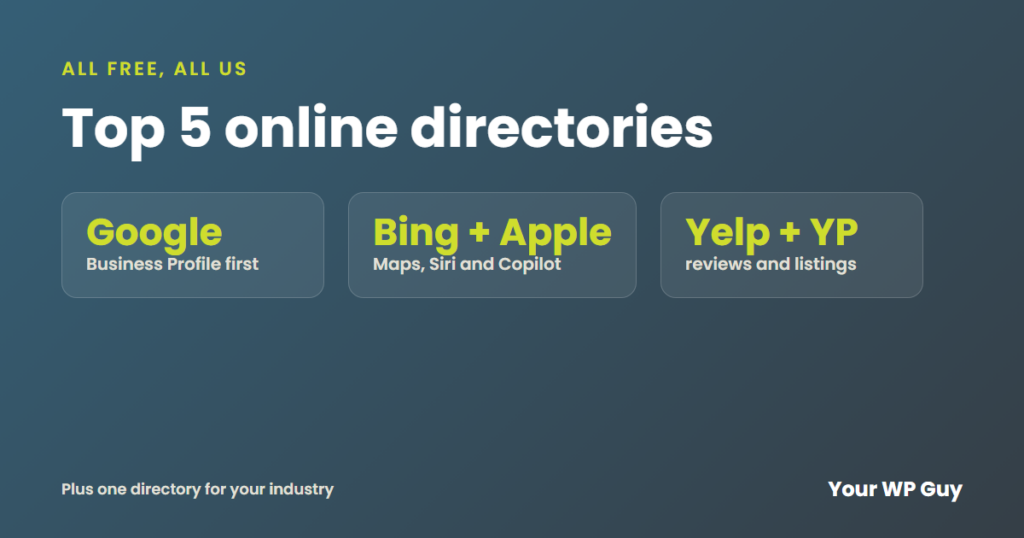
Every US business should be on five free directories: Google Business Profile, Bing Places, Apple Business, Yelp and Yellow Pages. All five are free. Together they cover Google, Bing, Apple Maps, Siri and the two best-known review sites. Add one for your industry. Keep your details the same on all of them. And skip the lists of "100 free listing sites." If you want help showing up in local searches, see our WordPress SEO.
Do you ever search for your own business and find an old phone number, the wrong hours or a listing you never made? Customers see the same thing, and many of them never call to ask.
Our SEO work includes setting up and managing your Google, Bing and Apple listings, and these are the five we tell every client to claim. Here they are, the one to add for your industry and how to set them up so they help instead of hurt.
Which online directories should every US business be on?
Start with these five, in this order. Each one is free.
1. Google Business Profile
If you only do one, do this one. Your Google Business Profile is what shows in the map when people search for you or your service nearby. It is free. Google says it takes three steps to set up.
Tip: pick the closest main category you can. Add real photos. Reply to every review. A full profile with new reviews shows you are open and you care.
2. Bing Places for Business
Bing is the search on Windows computers, the Edge browser and Microsoft's Copilot AI. It reaches people Google does not. A listing is free.
Tip: you do not have to type it all again. Bing Places can copy your Google listing and keep the two in sync. Check your categories after, because Bing says they may not carry over.
3. Apple Business (formerly Apple Business Connect)
iPhones use Apple Maps by default. So this listing is what people see when they ask Siri or tap a map pin. In April 2026, Apple replaced Apple Business Connect with Apple Business. It is free. Your listing can show photos, hours, deals and buttons to call or book in Apple Maps, Safari and more.
Tip: did you claim your spot in Apple Business Connect before? Sign in to Apple Business and check your hours and photos.
4. Yelp
Many people check Yelp reviews before they call a restaurant, salon, contractor or doctor. Yelp pages often show up in Google too. A Yelp page is free to claim.
Tip: Yelp will offer you paid ads when you sign up. You do not need them. Fill out every part of your page. Reply to all reviews, good and bad, kindly and fast.
5. Yellow Pages
Yellow Pages is one of the oldest directories online. Its pages still show up in Google for lots of local searches. A basic listing is free.
Tip: make sure your name, address and phone number match your Google Business Profile exactly, down to "Suite" or "Ste."
What about your industry’s directory?
Next, add the one directory your customers use for your kind of business. For example:
- Home services: Angi, Houzz or Nextdoor
- Doctors and dentists: Healthgrades or Zocdoc
- Lawyers: Avvo or Justia
- Restaurants and travel: Tripadvisor
- Everyone: a Facebook business page and the Better Business Bureau
Not sure which one? Search your service and town on Google. See which directories show up on page one. Those are the ones your customers already see.
Are the “100 free business listing sites” lists worth it?
No. Those lists are full of sites nobody visits. Many exist just to sell links. A listing there will not bring you customers. And a pile of junk links can make your site look like spam to Google.
The five above, plus one for your industry, cover almost everywhere real customers look. Keeping those right is worth far more than 100 sites you will never check again.
Want your listings done right?
You did not start your business to manage five directory logins. Our SEO work includes your Google Business Profile, Bing Places and Apple Business listings, so the right details show everywhere customers look.
1. Talk to us about your business. 2. We fix your Google, Bing and Apple listings and your site. 3. You get a plain report every month on what moved.
How do you set up your listings the right way?
- Write down your details once. Business name, address, phone number, website, hours and main category, exactly as you want them shown everywhere.
- Start with Google, then import to Bing. That saves you typing it all twice.
- Claim Apple, Yelp and Yellow Pages next, copying your details word for word.
- Add photos and a short description that says what you do and where.
- Ask happy customers for reviews, mostly on Google, and reply to every one.
- Check all five twice a year, and any time you move, change your phone number or change your hours.
A listing with the wrong details is worse than none. It sends customers to a closed shop or a dead phone line.
Sources
- Google, Business Profile (checked November 2026)
- Bing Places for Business, Sync with Google Business Profile (checked November 2026)
- Apple Newsroom, Introducing Apple Business (March 2026)
- Yelp for Business (checked November 2026)
- Yellow Pages, Manage your free listing (checked November 2026)
What to do next
Search your business name today and check what Google, Bing and Apple Maps show. Fix the first listing that is wrong, then work down the list, so every directory sends customers to your website, your hardest-working employee.
Keep reading: What is a local online directory? | Why is my website not on Google? | What is SEO?